
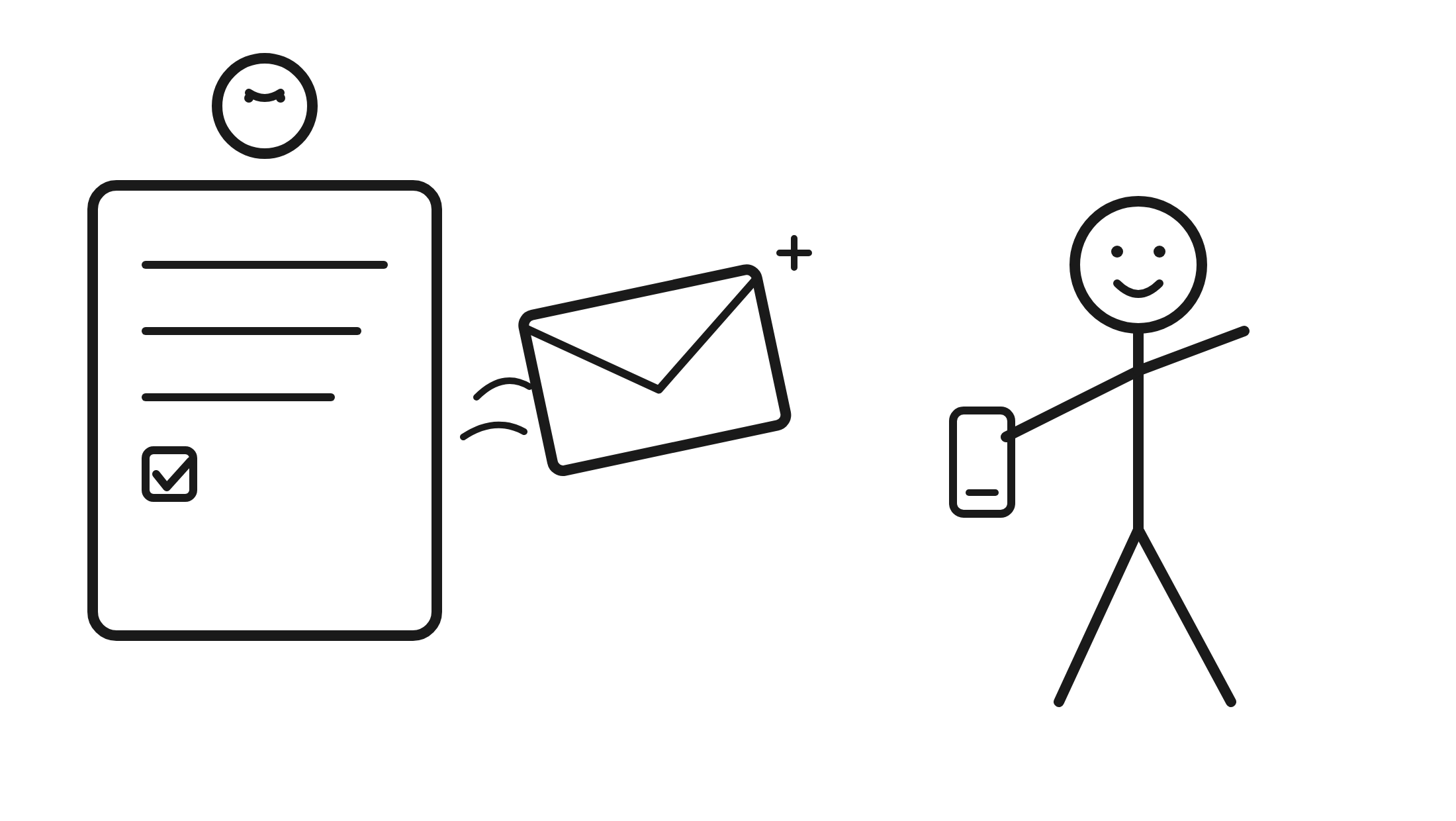
submit, inbox
Leads go cold in minutes
An instant, branded reply keeps your business in front of them while they are still paying attention. That is speed to lead in the inbox, not only on the phone.
LeadCapture Auto Responder is an email autoresponder for lead forms. When a lead submits your funnel, they instantly get a branded email from your business. It confirms the request, tells them what happens next, and gives them a one-tap way to call or take the next step.
No per-email fees. Unlimited up to your lead volume.
7-day free trial. No credit card required.
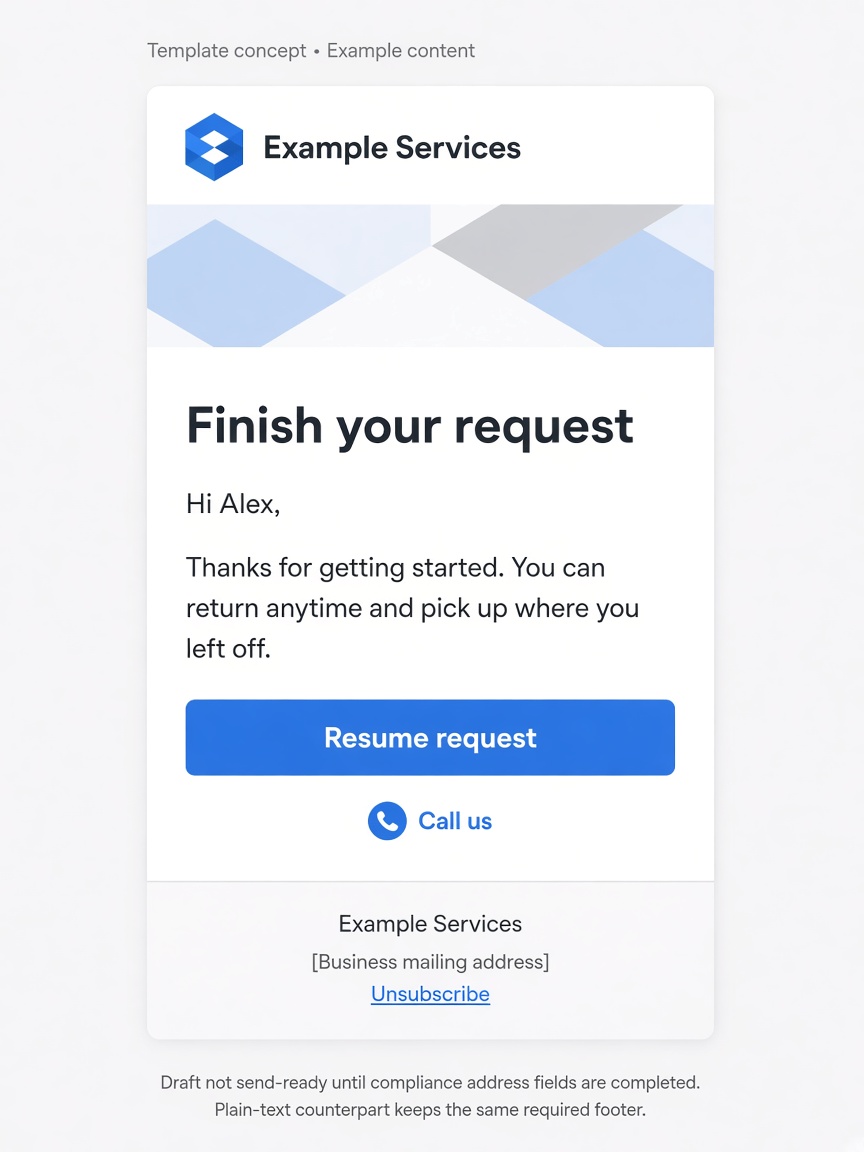
LeadCapture Auto Responder is an email autoresponder for lead forms: a branded email the platform sends to the lead after they submit, so they know the request was received and what happens next.
This is not the Email Lead Notification that goes to your team. That alert already exists. Auto Responder is the message the lead receives.
The form is submitted, and then it is quiet. By the time your team calls, the lead may already be asking "who are you?" Partial leads never get a reason to come back. You should not need Zapier and a separate email tool just to say thanks and here's what happens next.
An instant, branded reply keeps your business in front of them while they are still paying attention. That is speed to lead in the inbox, not only on the phone.

If the lead already has your name, number, and next step in their inbox, that call goes better.

A resume link gives drop-offs a one-tap way to finish the form.
Built into the funnel. Turned on in Lead Delivery. One email per trigger, sent right away.
Auto Responder lives in Lead Delivery, in the app's lead delivery settings. Email validation has to be on for the funnel. See lead verification.
You can send on a full submission, on a partial lead, or both. You choose who receives the email.
Set the From name and sender email, write the subject and body, add your logo, and pick a button. The button can be a link or click-to-call. You can set a Reply-To and include a plain-text version.
One email per trigger, sent the moment the event fires. No delay and no drip to set up.
A designed email from your business, not a generic system message.
Each email is triggered by an event. Auto Responder does not run drips, delays, or sequences.
When a lead completes the funnel, they get a branded email right away. Confirm the request, tell them what happens next, and give them a one-tap next step, like a call button or a link. That is the speed to lead moment in their inbox, while you or your team follow up in person. John's notes on why that first response matters are in lead response time.
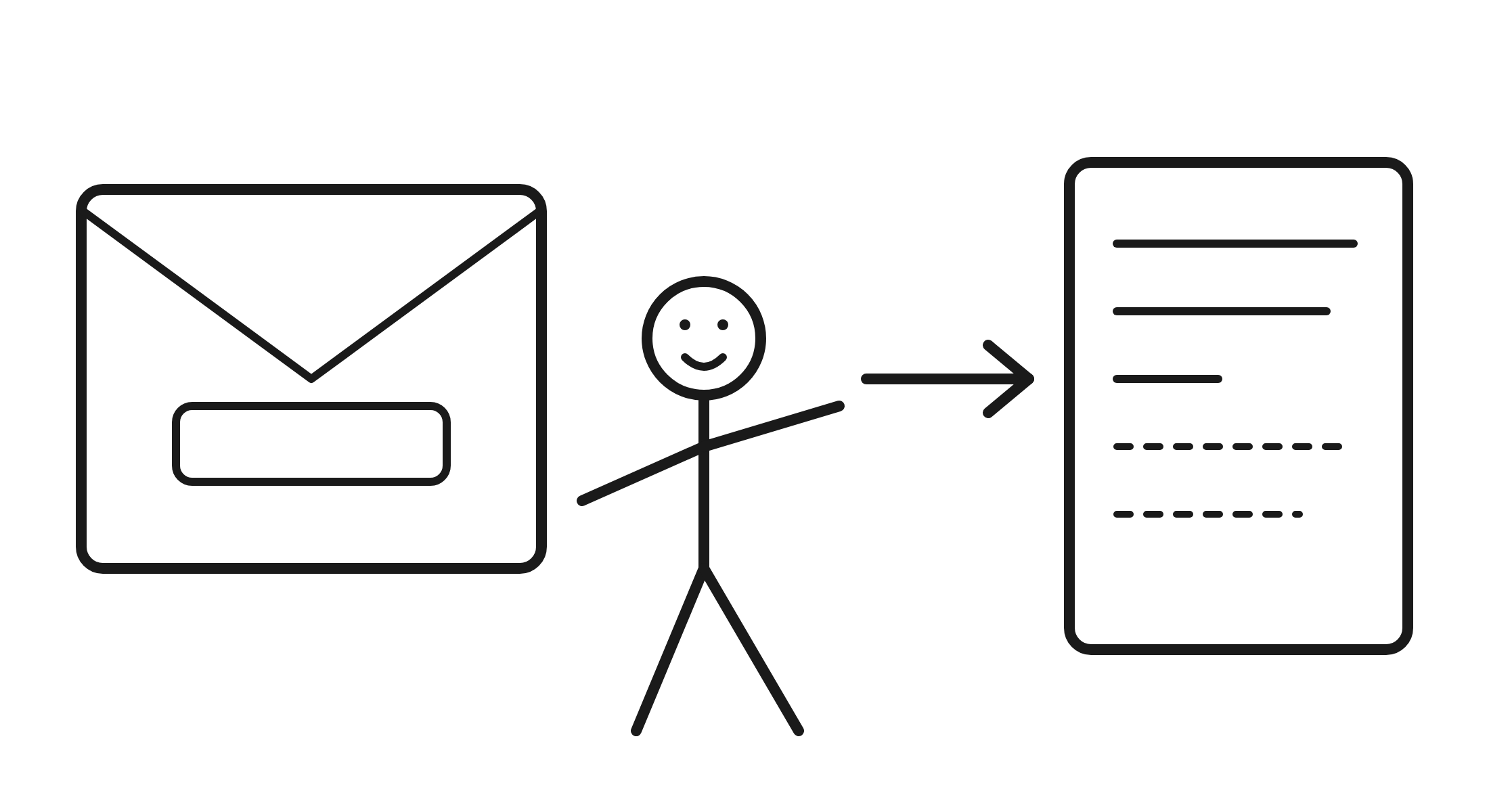
If someone starts the form and leaves, Auto Responder can email them a link to pick up where they left off. That is often money you would have written off.
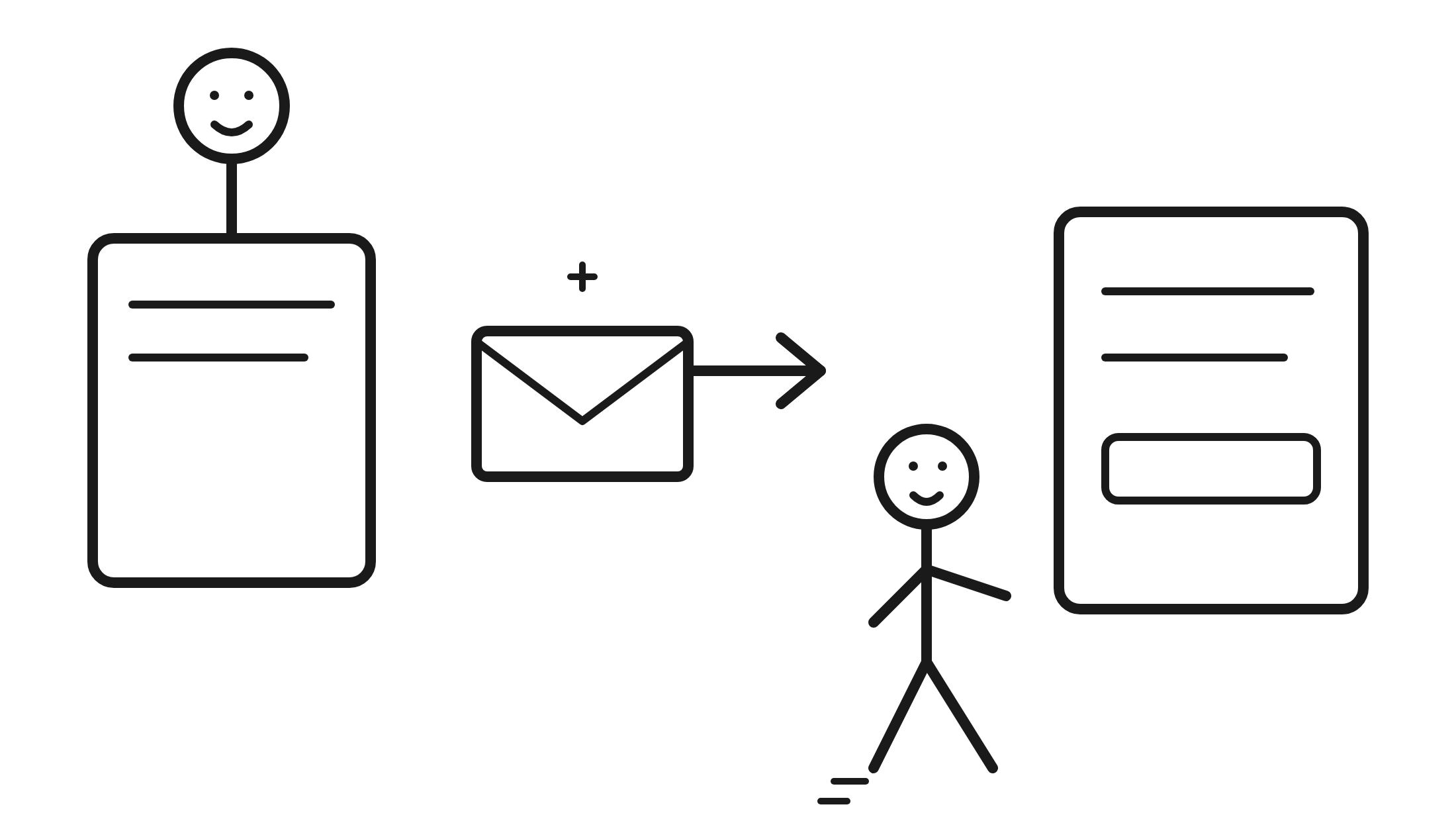
You can include a Lead Memory re-engagement link in the email, so a past lead can come back to a related offer or finish something they started. Useful for cross-sell and reactivation. Lead Memory does not send the email by itself. Auto Responder sends it when an event fires, not on a schedule.
Honest limit: this is one email per event, not a nurture sequence. Longer follow-up can still live in the email tools you already use. See integrations.
The send has gates. Bad or blocked addresses do not go out.
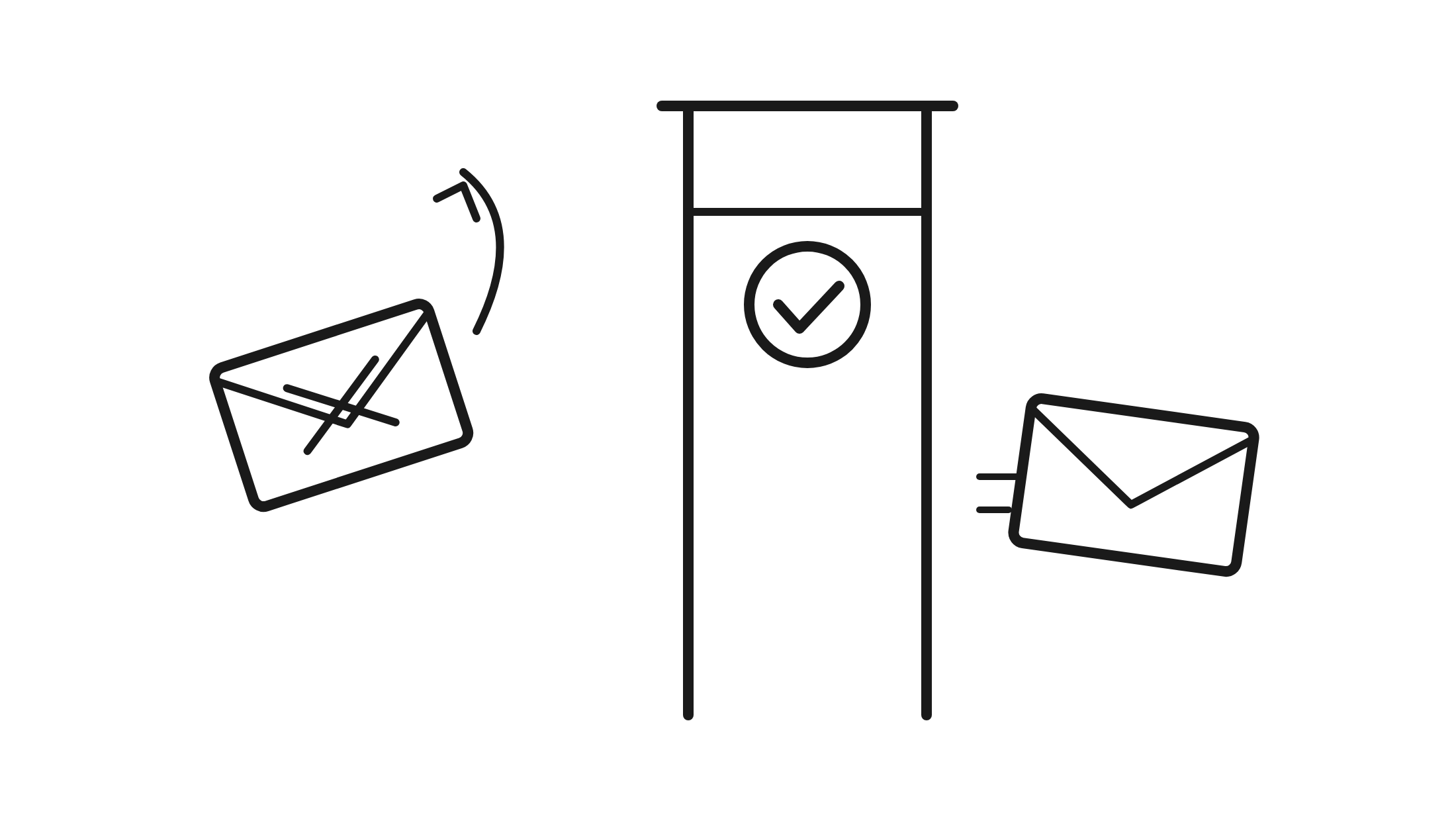
It only sends to emails that passed LeadCapture email validation as verified, catch-all, or unknown. Email validation must be on for the funnel.
It is never sent to disqualified leads. If a lead is marked DQ before the email goes out, the send is canceled.
Unsubscribed, bounced, and complained addresses are suppressed.
Every email includes the business name, mailing address, and an unsubscribe link. You cannot remove it.
If you buy or sell leads, or you have a team that has to call them, the first email from the business should already be in the lead's inbox.
It is an email sent automatically to the person who just submitted your form, usually to confirm you received the request and to tell them what happens next. In LeadCapture, that is Auto Responder, an email autoresponder for lead forms. It is different from an out-of-office reply in Gmail or Outlook, and it is different from a newsletter tool's drip sequence.
No. Email Lead Notifications go to you or your team (up to five addresses per funnel) and are sent from leads@leadcapture.io. Auto Responder is the message the lead receives. You can use both.
Yes. That is the path many teams use today, and those tools are still useful for longer nurture. Auto Responder sends that first email inside the funnel, with no Zapier hop.
Yes. You set the From name and sender email, and you can set a Reply-To. You also choose who receives the email, for example a lead who finished the form or a partial lead who dropped off.
No. Lead Memory reuses answers across funnels. Auto Responder can include a Lead Memory re-engagement link when you want to cross-sell or bring a past lead back, but Lead Memory does not send the email by itself. LeadResponse.ai is a calling product, and is a separate follow-up path.
Every Auto Responder email includes a protected footer with your business name, mailing address, and an unsubscribe link. You cannot remove it. Whether a given message is commercial or transactional still depends on its content and the rules that apply to you. Email validation is not consent, and LeadCapture cannot declare that your email is compliant.
No. Auto Responder sends one email per trigger, right away, when the event fires. It is not a drip, a delayed send, or an email sequence. Longer nurture can still live in the email tools you already use.
If someone starts the form and leaves, Auto Responder can email them a resume link to pick up where they left off. It only sends to emails that passed LeadCapture email validation as verified, catch-all, or unknown. It never emails disqualified leads, and unsubscribed, bounced, and complained addresses are suppressed.
If you want AI follow-up after that first email, take a look at LeadResponse.ai.
Turn on Auto Responder in Lead Delivery, write the message, and the next lead who submits gets a reply from your business right away. No per-email fees, unlimited up to your lead volume.
7-day free trial. No credit card required.